You can claim your business in ChatGPT now. Check every detail before you submit.
Businesses in ChatGPT is real and free during the beta. Claim your listing, and check every detail first, because a live profile can't be taken down.
The short answer
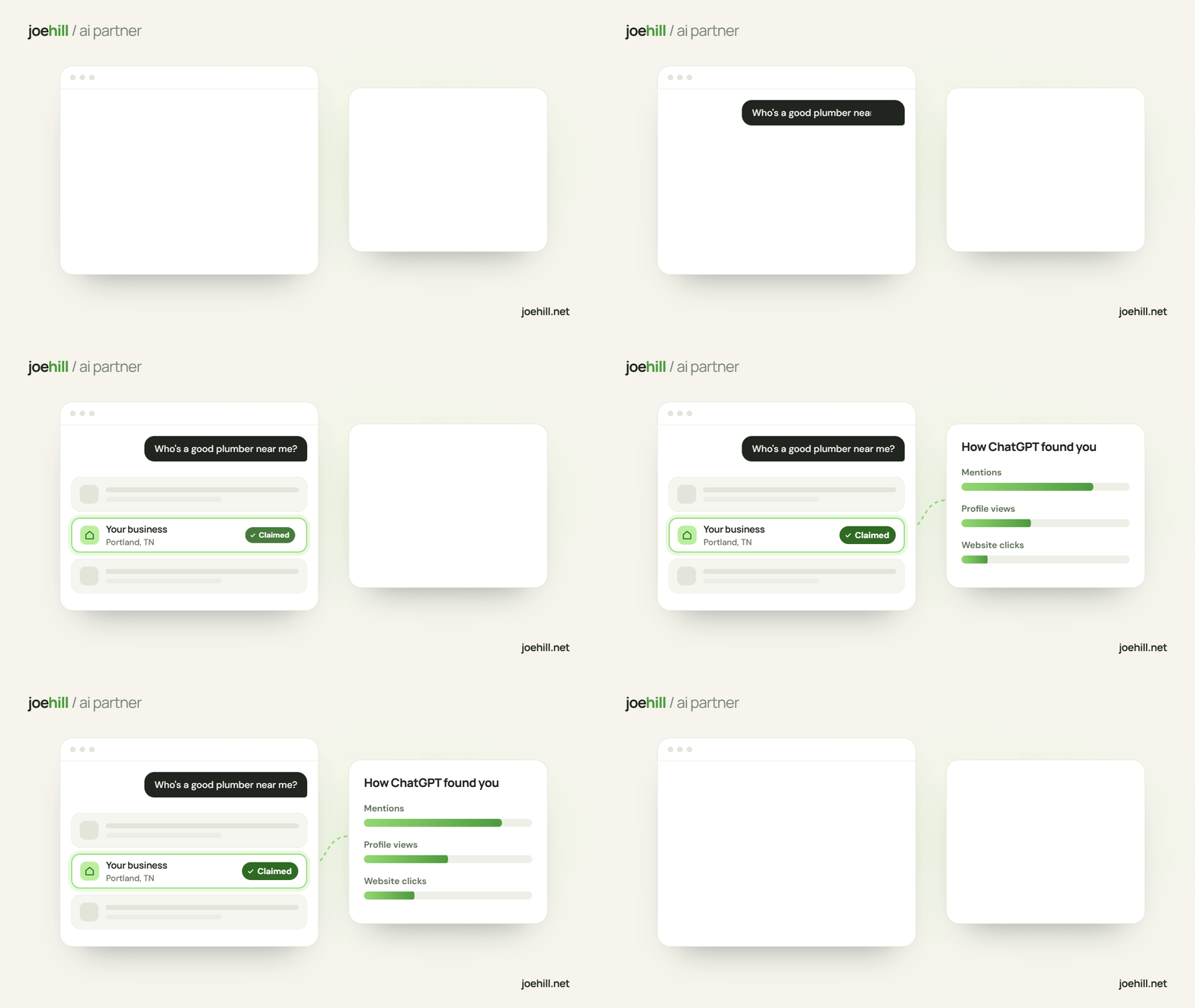
Yes. OpenAI launched Businesses in ChatGPT as a beta on November 10, 2026, and it's free during the beta. You claim your listing at chatgpt.com/business-hub, prove it's yours, then edit your details and see mentions, profile views and website clicks. Once a profile is approved it can't be taken down, and nothing from OpenAI says claiming makes ChatGPT suggest you more often.
The story
A comment going around Facebook this week says ChatGPT just released Businesses in ChatGPT, and that you can claim your business and see how often ChatGPT suggested you. I checked, and it's real. OpenAI announced it (opens another site) on November 10, 2026 as a beta, and it's free while the beta runs (OpenAI hasn't said it stays free).
You do it at chatgpt.com/business-hub (opens another site). You find your listing, prove it's yours, and then you can set your website, description, category, logo and cover photo, and see a few numbers on how often ChatGPT showed you. OpenAI's setup page (opens another site) has the steps. Promptwatch (opens another site) ran a claim through on November 11, and most of the detail below comes from what they saw.
Two things to know before you start. Once OpenAI approves your profile it goes live, and support can't delete, unpublish or hide it. And nothing from OpenAI says claiming changes how often ChatGPT mentions you; OpenAI says ChatGPT "may use" what you give it (PPC Land (opens another site) covered that part).
Claim it, and take your time on the details
I'd claim your listing this week, so the profile is yours and what it says about you is right. Read every line before you submit, because a live profile stays up. Then put your time into what ChatGPT has to go on when it answers: correct facts on your own website, your Google, Bing and Apple listings, and your reviews.
Before you submit
- Check the category. The one ChatGPT suggests can be wrong.
- Read every line. A live profile can't be taken down.
- Claim each location. The main brand doesn't cover them.
- Claiming is free during the beta. OpenAI hasn't said it stays free.
- Nothing from OpenAI says claiming gets you suggested more.
- If someone else claimed yours, use Dispute ownership.
Read the profile yourself before it goes live, since nobody knows your business better and it can't be pulled back.
How to claim it yourself
You need a ChatGPT login, your business phone or email, and your ID for a check at the end.
- Find your listingGo to chatgpt.com/business-hub (opens another site), sign in, search for your business and pick the listing. At launch, local store and restaurant claims only work for listings ChatGPT already has in the US, so if yours isn't there, check back later. If you have more than one location, claim each one, because claiming the main brand doesn't claim them.
- Prove it's yoursYou can verify by business phone, business email, a DNS TXT record on your website's domain, or a Shopify connection. OpenAI emails you a decision, and then whoever manages the profile does an ID check before they can edit anything or see the numbers (Promptwatch's walkthrough (opens another site)).
- Fill it in, slowlyYou can edit your website, description, category, logo, cover photo, and delivery and return policy, and OpenAI reviews every change. Look hard at the category: Promptwatch saw ChatGPT suggest "Home goods store" for a real estate agency. Make it match what your website and Google listing say. You can delete a draft, but once a profile is approved and live, support can't remove or hide it.
- What the numbers showInsights shows 7 or 28 days of mentions (for a local business, how often your location was shown), profile views, website clicks, and your top 5 topics. The data runs a day behind, and a blank means you're under a cutoff OpenAI doesn't publish, so a small shop may see blanks for a while. You don't see the questions people asked. OpenAI's own note says clicks "don't confirm website visits or conversions" (PPC Land (opens another site)).
- If someone else already claimed itOpen the ••• menu on the listing and choose Dispute ownership. This is worth checking even if you don't plan to do anything else this week. Barry Schwartz of Search Engine Roundtable said he was "honestly nervous about people hijacking businesses on here" (PPC Land (opens another site)).
- About the chat agentOpenAI also has Business Agents, a chat assistant under your name that answers customer questions inside ChatGPT. For now those are limited to eligible US ecommerce and online service businesses, so most local service shops can't build one yet (PPC Land (opens another site)). If you sell online, it may be open to you.
- Then do the work that gets you suggestedYour profile is one more place that lists your facts. The rest of what an assistant can learn about you is on your website, your listings and your reviews, so keep those correct and saying the same thing. How I would make your website AI native covers the website side, and the Google review rules covers asking for reviews the allowed way.
Let's get your business claimed and the details right.
If you'd rather have it done for you, I'll claim your listing and set it up, show you every line before it goes live, and check your Google, Bing and Apple listings and your website while I'm at it. OpenAI has the person managing the profile verify their own ID, so that step is yours, and I'll walk you through it.
Keep reading
How I would make your website AI native in 2027, before your competition does
Most websites hand an AI agent a phone number and a contact form, and to an agent that's a locked door.
I build AI agents. Check these before you pay for one.
Sellers pitch AI receptionists hard, and owners can't tell a good one from a bad one.
Check your phone first. It may be sending new customers to voicemail.
Owners keep asking which text-back or answering service to buy.